Google / Fucsia OS
Opportunity: Research, UX design (Desktop), Implementation
Role: Lead interaction designer (Google)
Fuchsia was Google's open-source OS built around a premise that predates today's AI agent conversation: all your devices working together as one intelligent computer, powered by a smart agent that adapts to any user in any context.
Ermine is the creator-focused workstation shell built on top, info-dense, joy-of-tech, and deliberately unlike anything else Google makes.
About the Team
Fuchsia envisions a future where all the devices in our personal ecosystem will work together as one computer, custom fit to our individual needs and powered by assistive technology.
Secure. Trustworthy. Adaptable to every users in any context.
My Role
I led overall interaction design for the OS, working closely with visual, motion, and interaction designers and engineers to bring the system UI to life.
Process
The central design challenge was translating Fuchsia's core architectural concepts, particularly its smart agent model, into a System UI that felt intuitive for creators. This meant defining how an OS behaves when it's not just running apps, but actively understanding context, user intent, and the relationships between tasks.
Research
Working closely with our research team, we collected deep insights across seven key areas of the creator workflow: setup, window arrangement, navigation, resources, workflow, finding things, and identity. These findings shaped every interaction decision that followed.
Principles
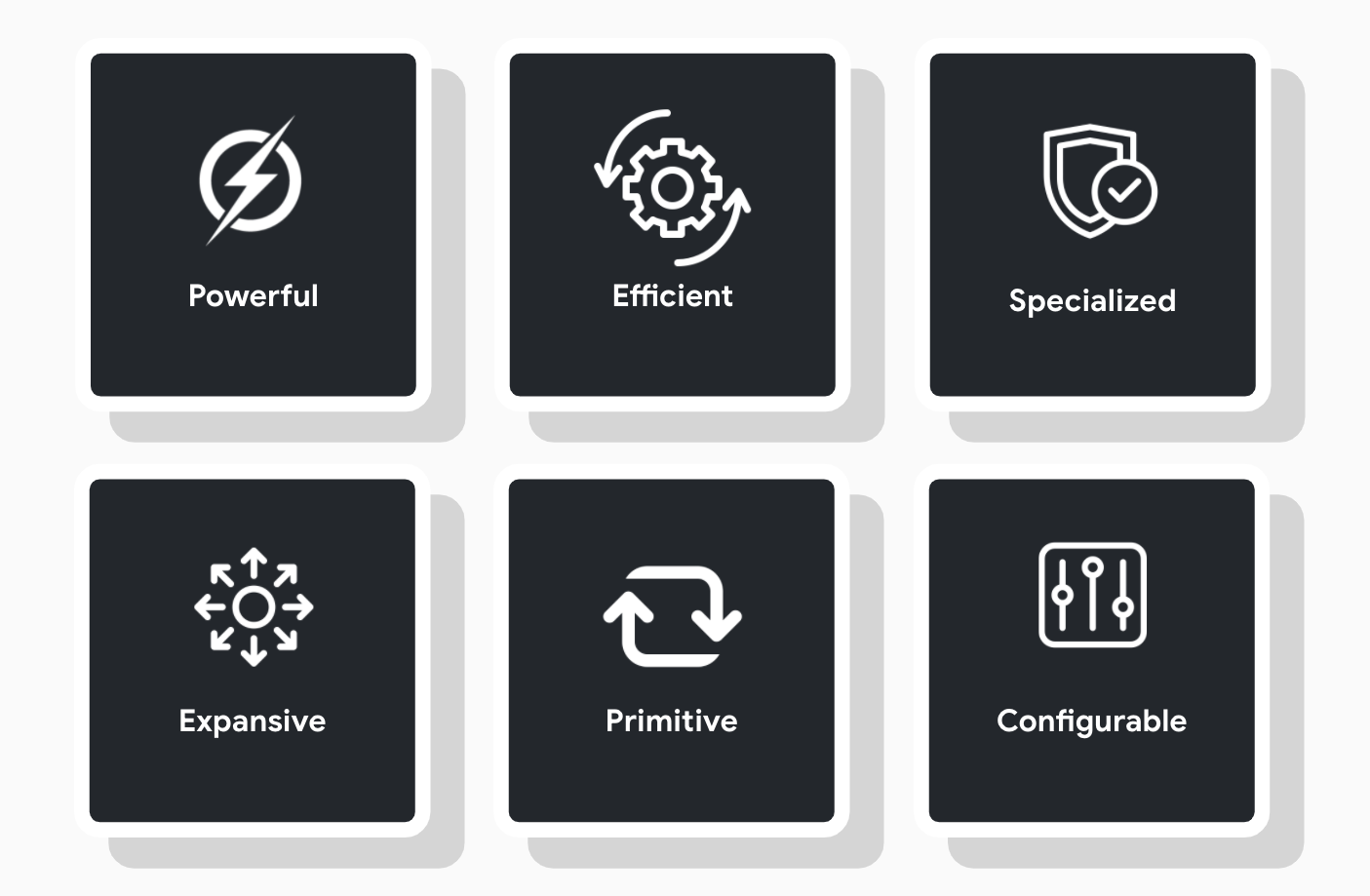
The Ermine UX is grounded in six core principles, derived from user research and aligned with Fuchsia's strategic vision. They served as the filter for every design decision throughout the project.
Core Navigation
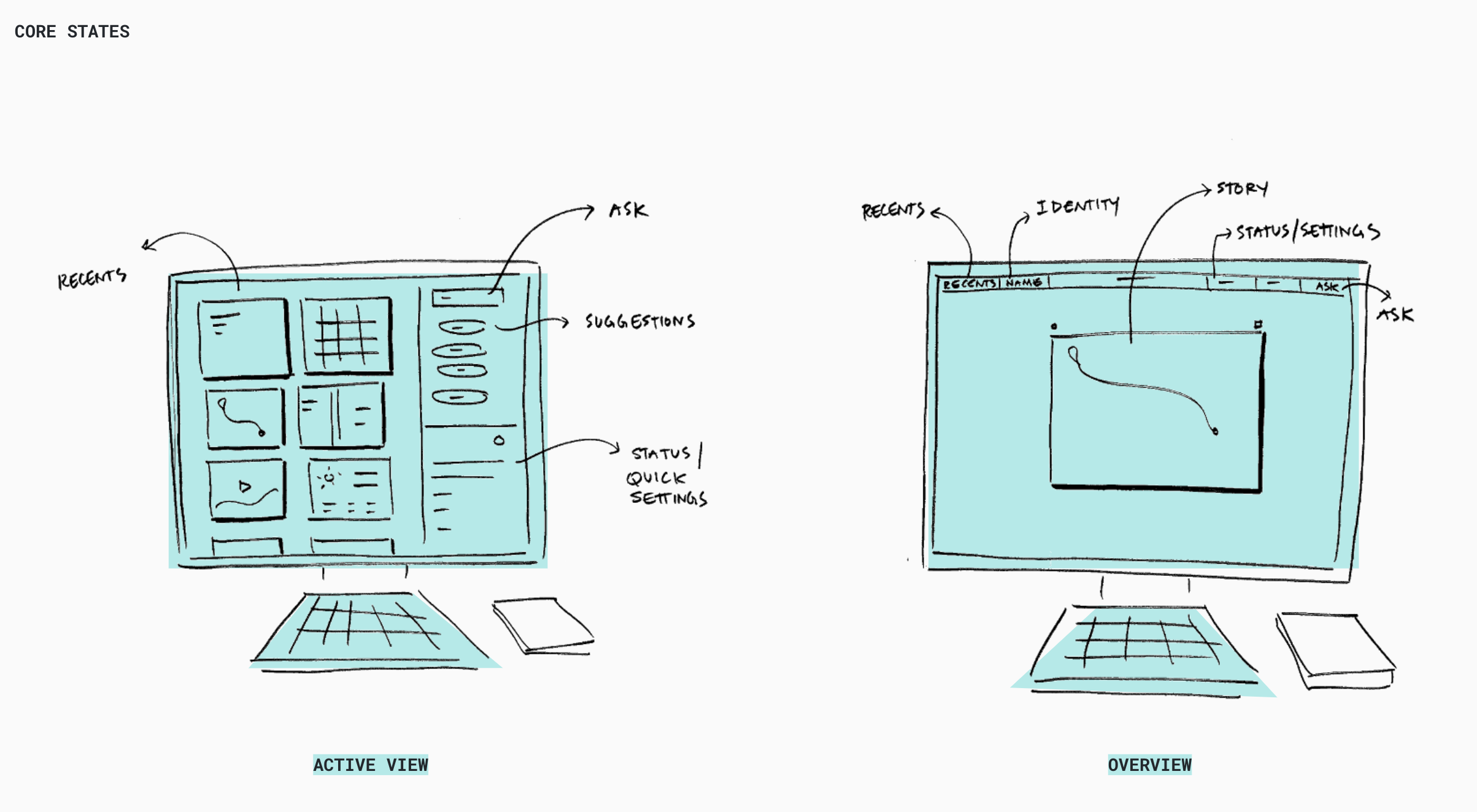
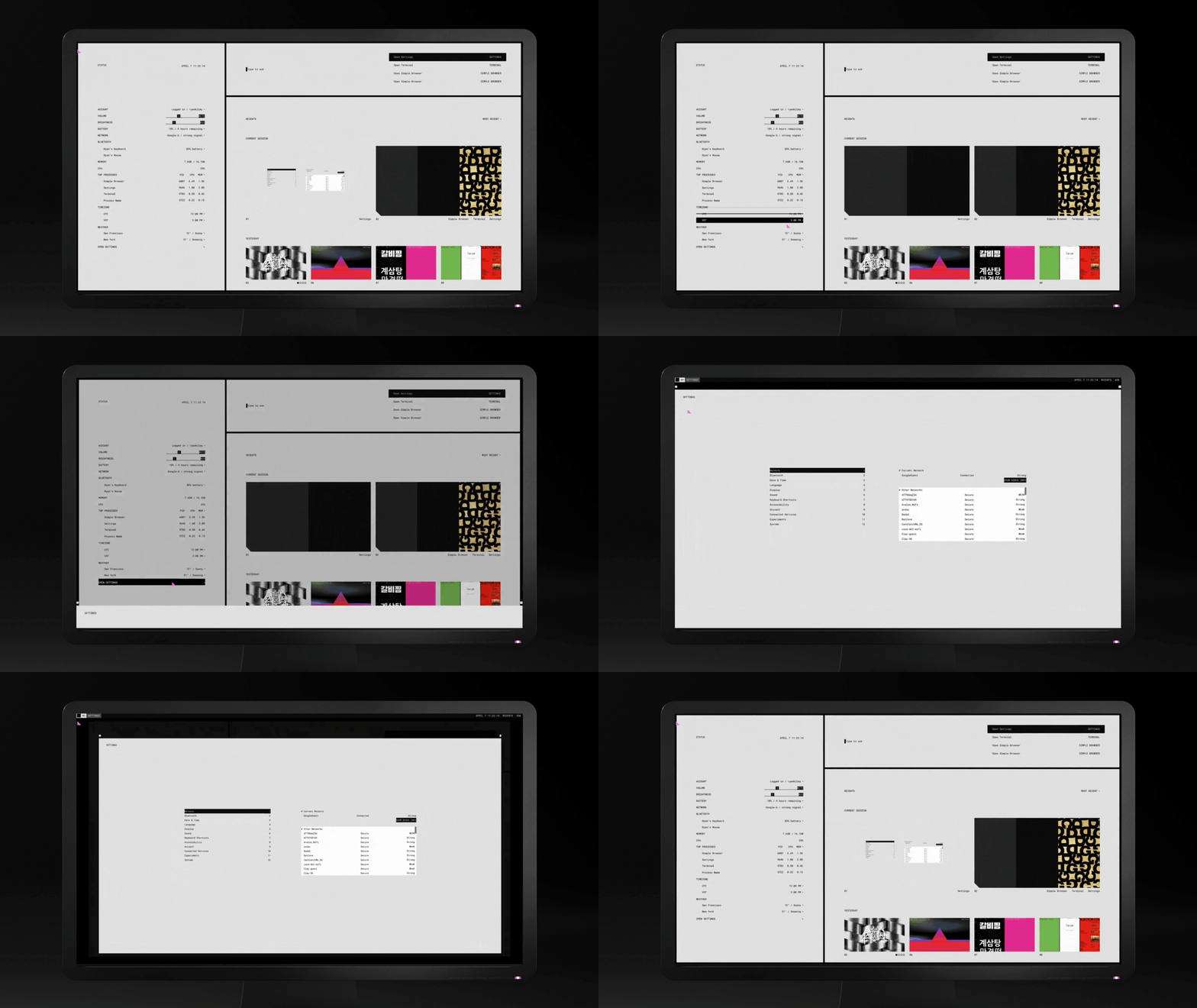
The navigation model is built around two primary states: Overview and Story Focus. The goal was simplicity and speed, creators need to switch contexts fast, without friction. Every navigation decision was optimized for that.
Spatial Model
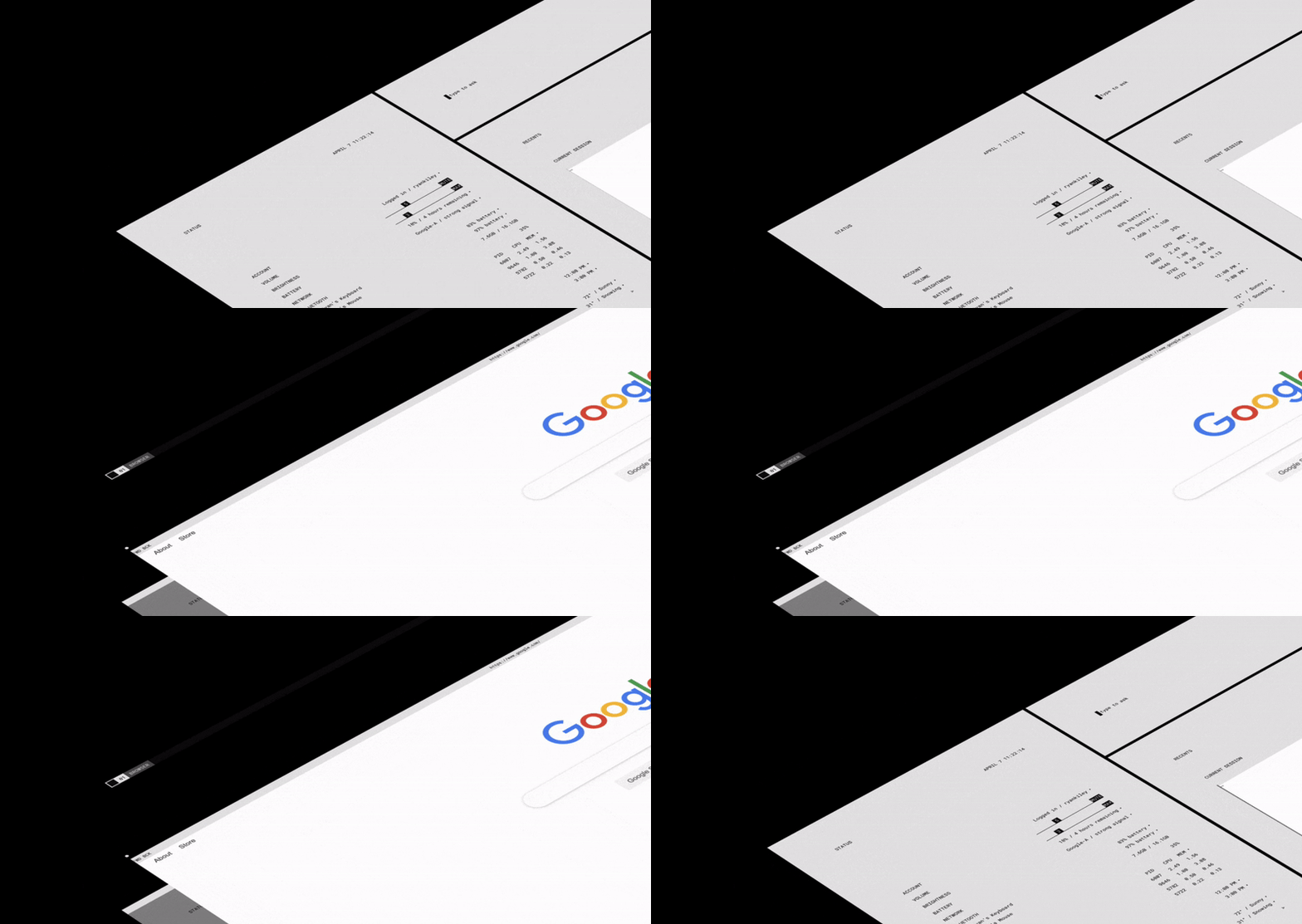
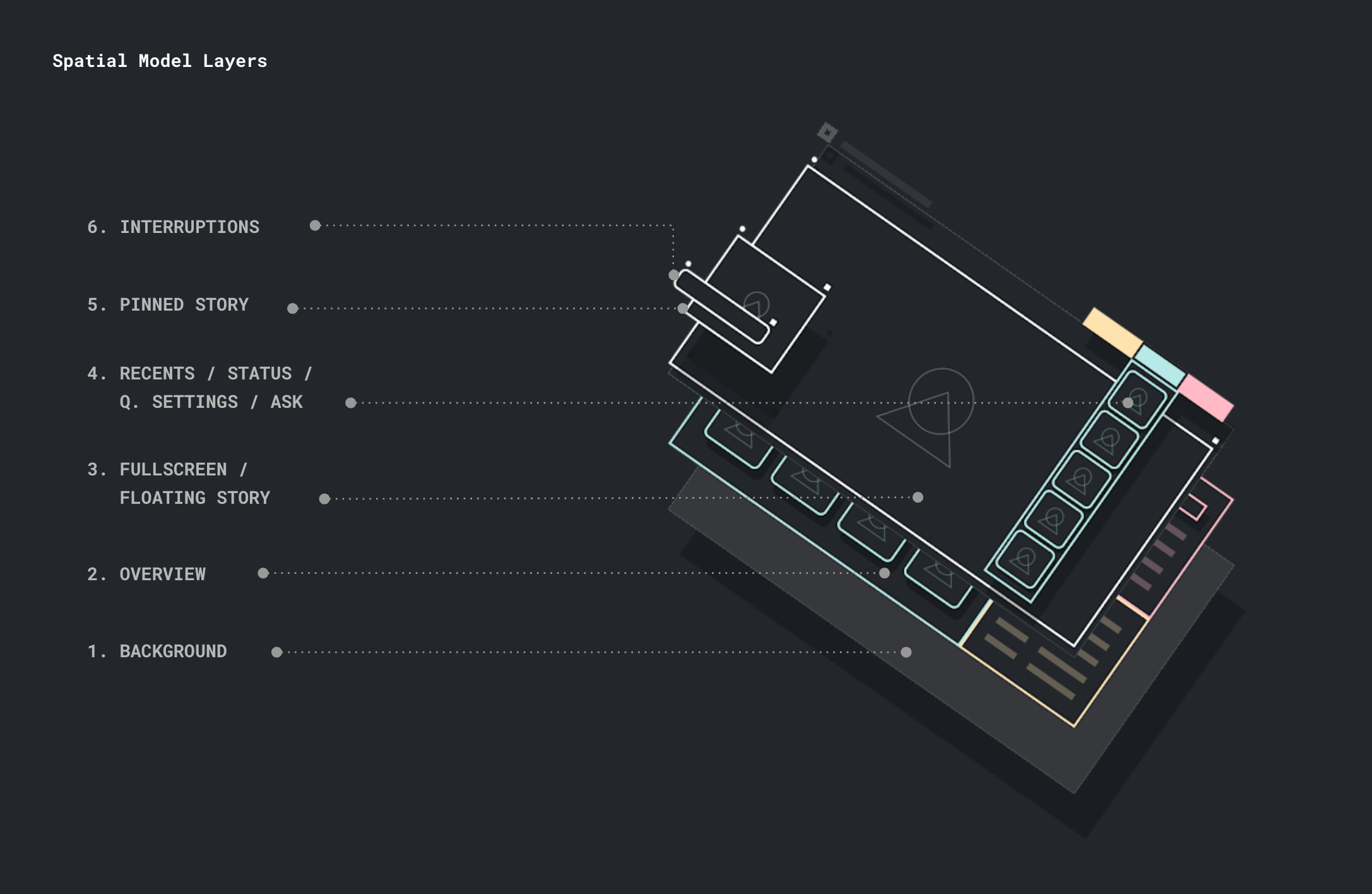
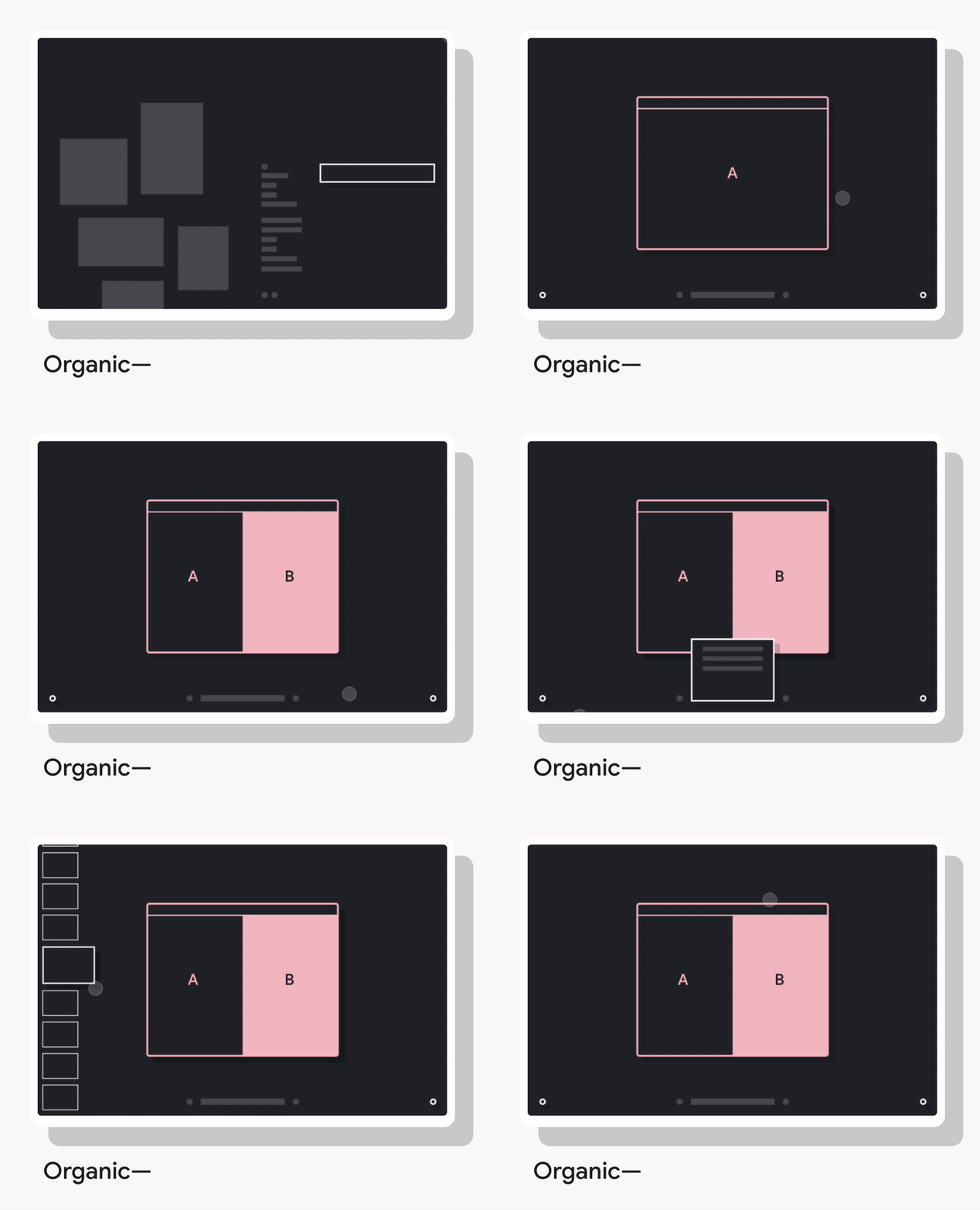
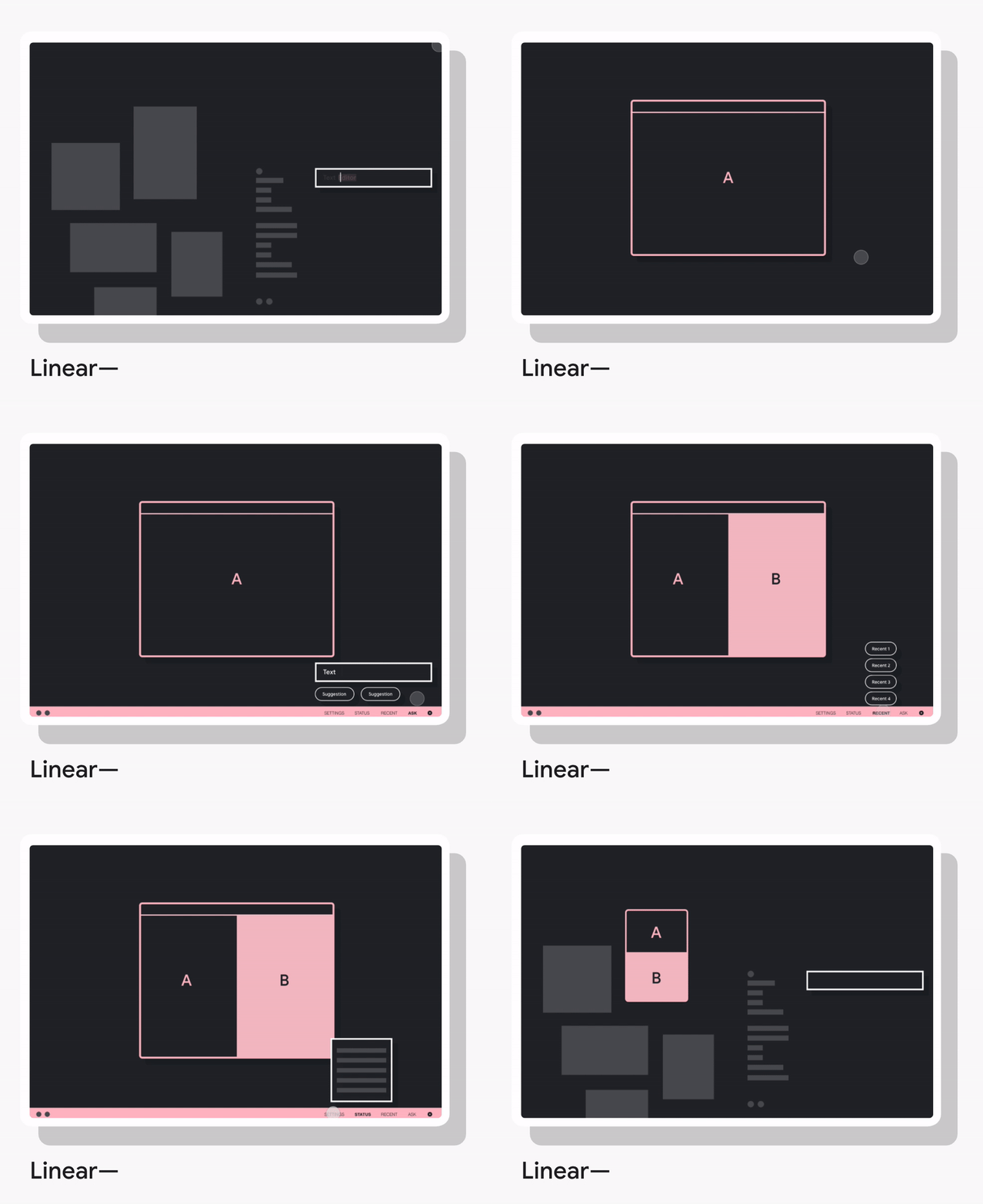
We synthesized user testing data to develop the most efficient spatial architecture for core navigation, exploring many variations, building Lo-Fi prototypes, and iterating until the model felt as fluid as the underlying system it was built on.
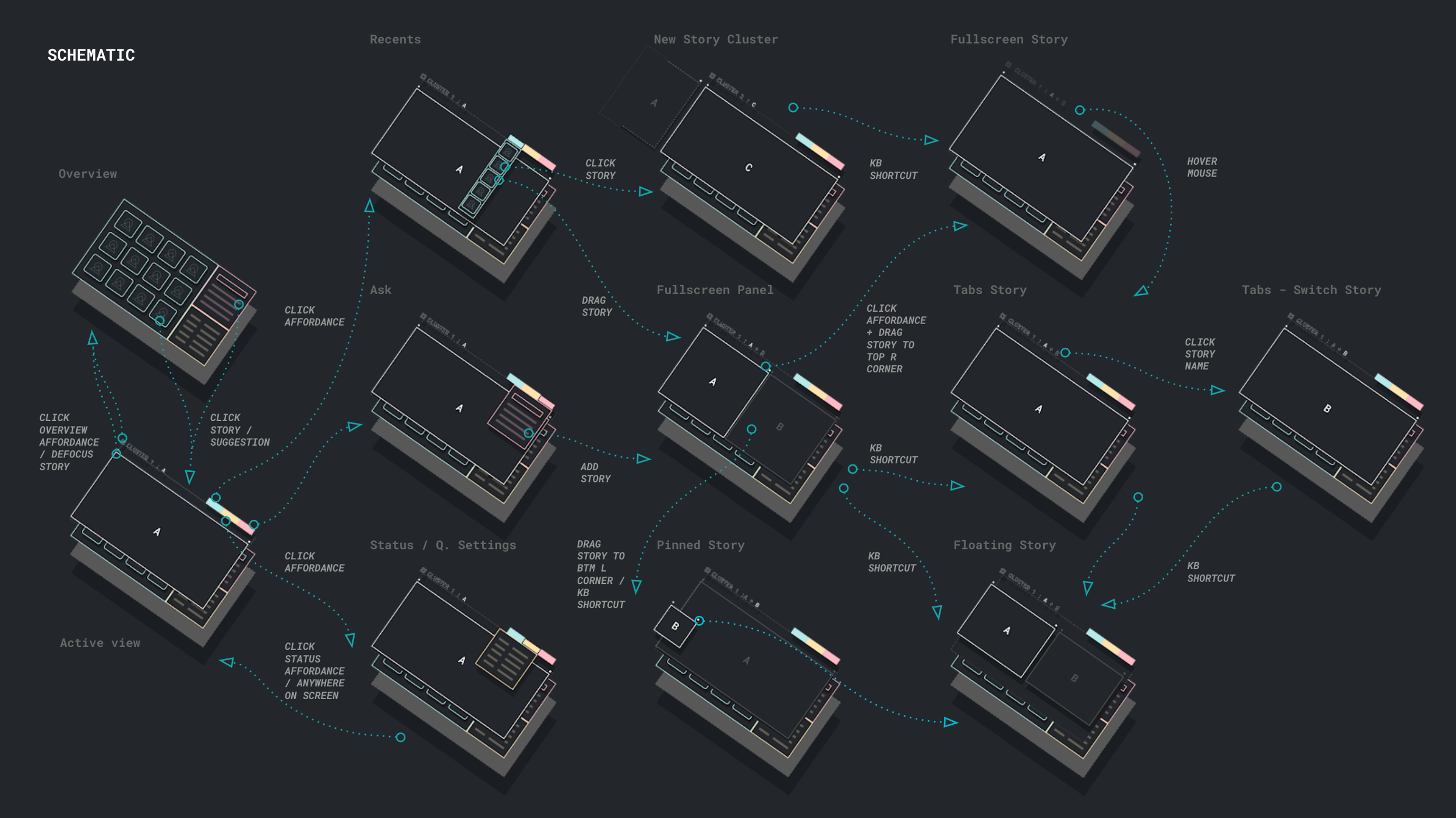
Schematic
We mapped every core action a user can perform, along with their defined behaviors, to ensure navigation flows seamlessly and without dead ends. This became the interaction blueprint for the entire OS.
Design Language
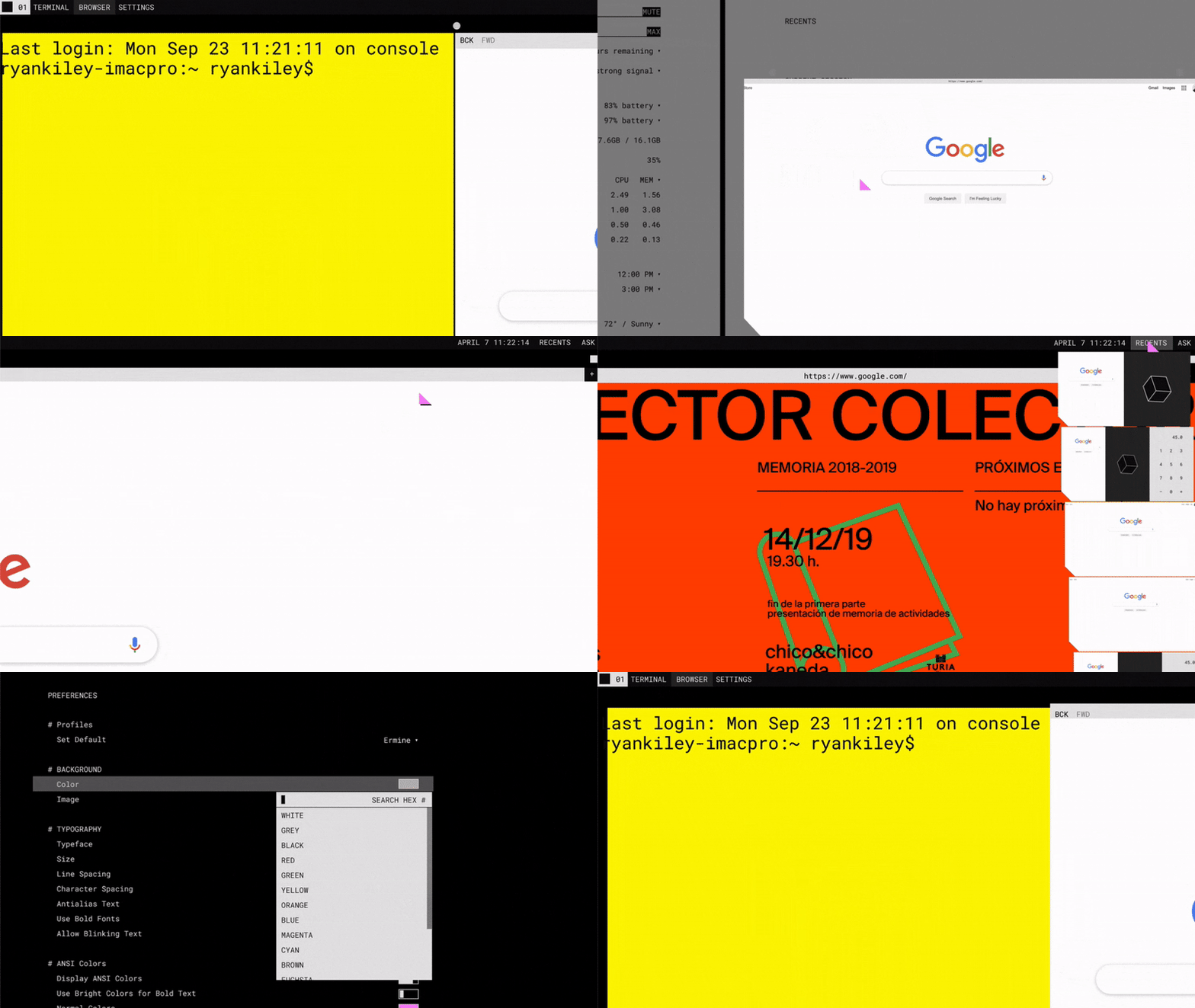
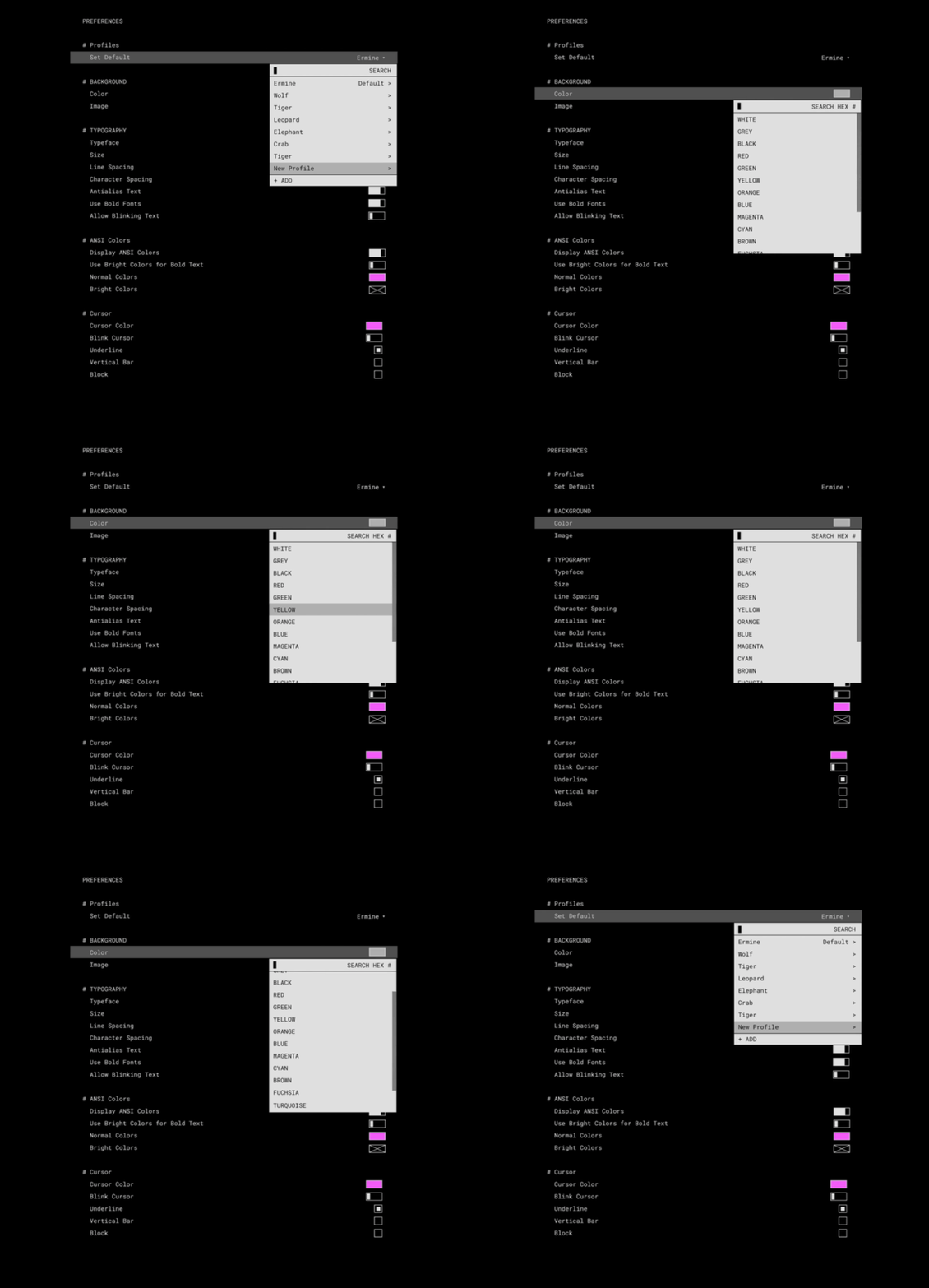
Ermine's aesthetic is terminal chic, deliberately understated, taking inspiration from the quiet utility of tools like the Terminal. It's built for people who love the feel of a tool that respects their intelligence. I worked closely with a visual and motion designer to develop the language, which the visual team then translated into a full Hi-Fi design system.
Story Interactions
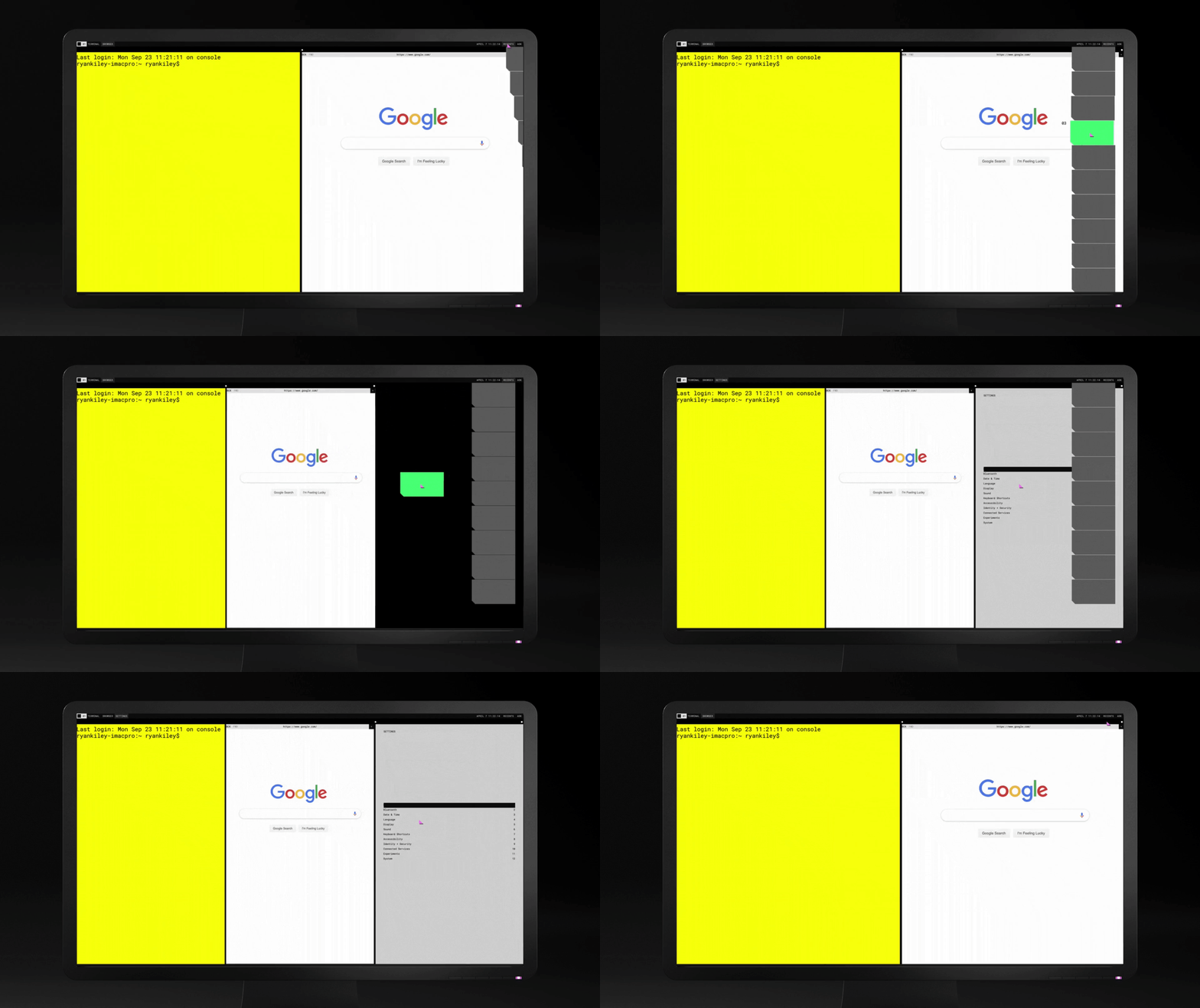
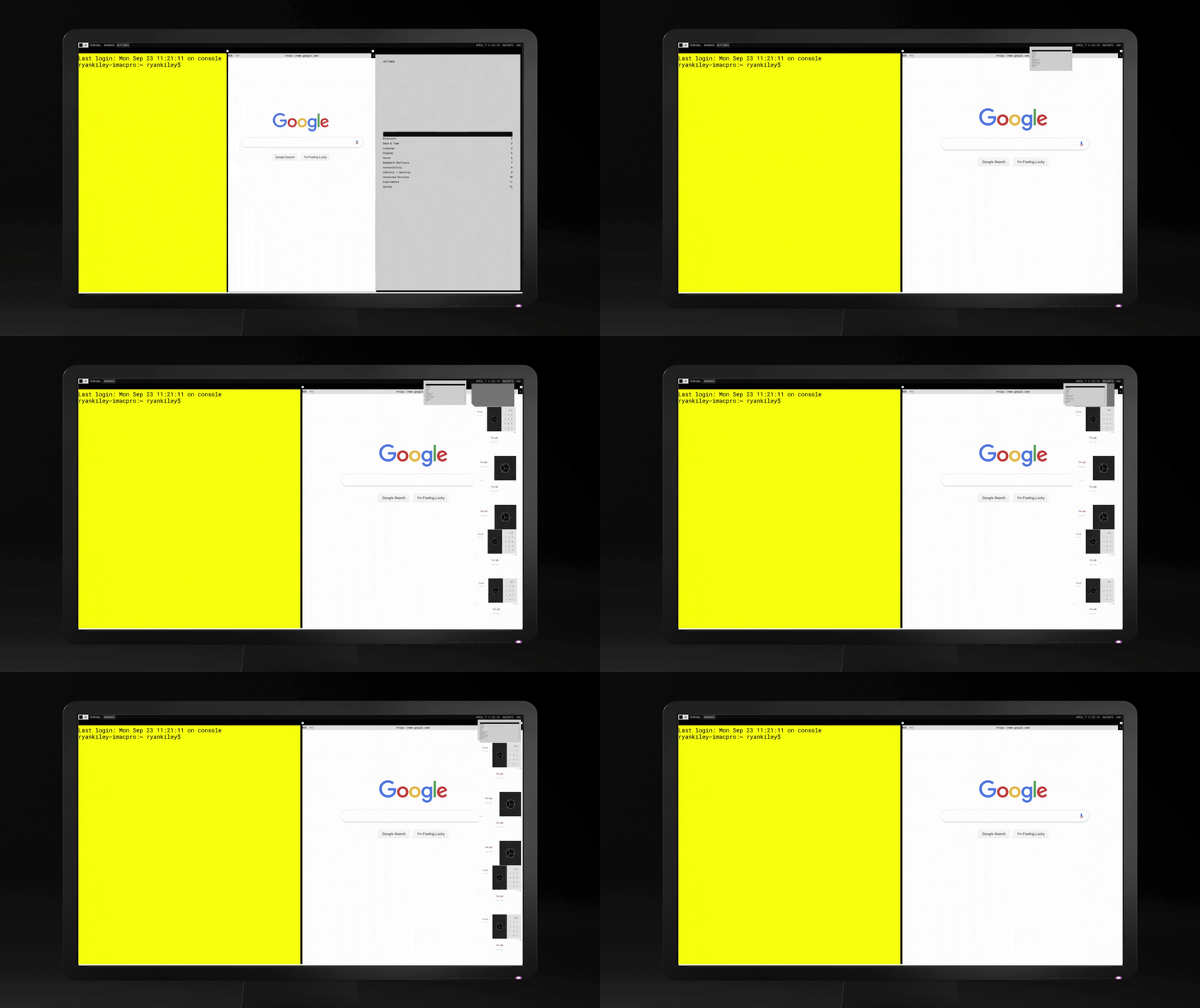
In Fuchsia, a Story is an ephemeral container of user data, a dynamic grouping of experiences that users can arrange, present, and manage. We used Ermine to test and develop the full set of Story-level interactions, treating it as a live proving ground for the OS's core concepts..
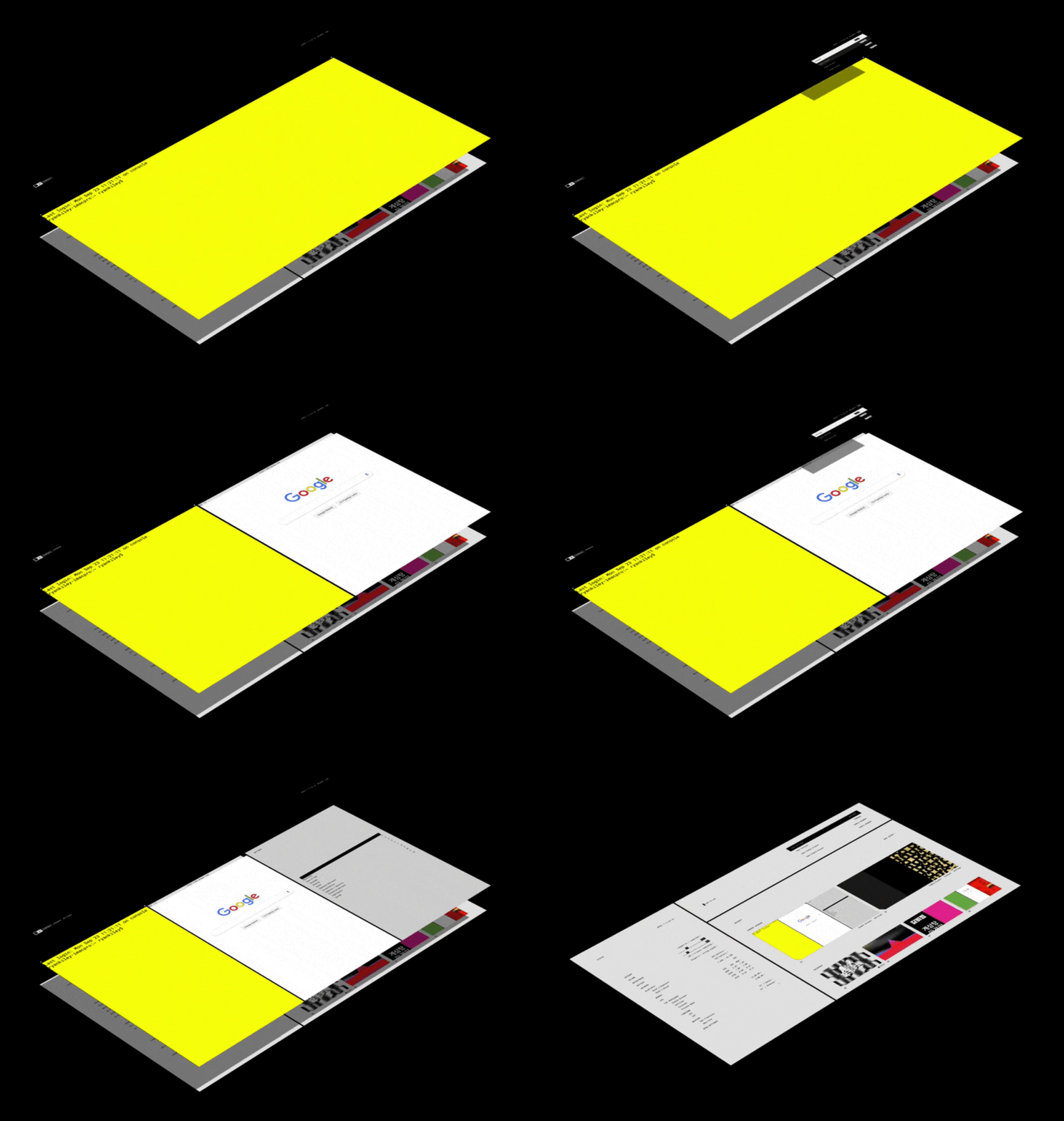
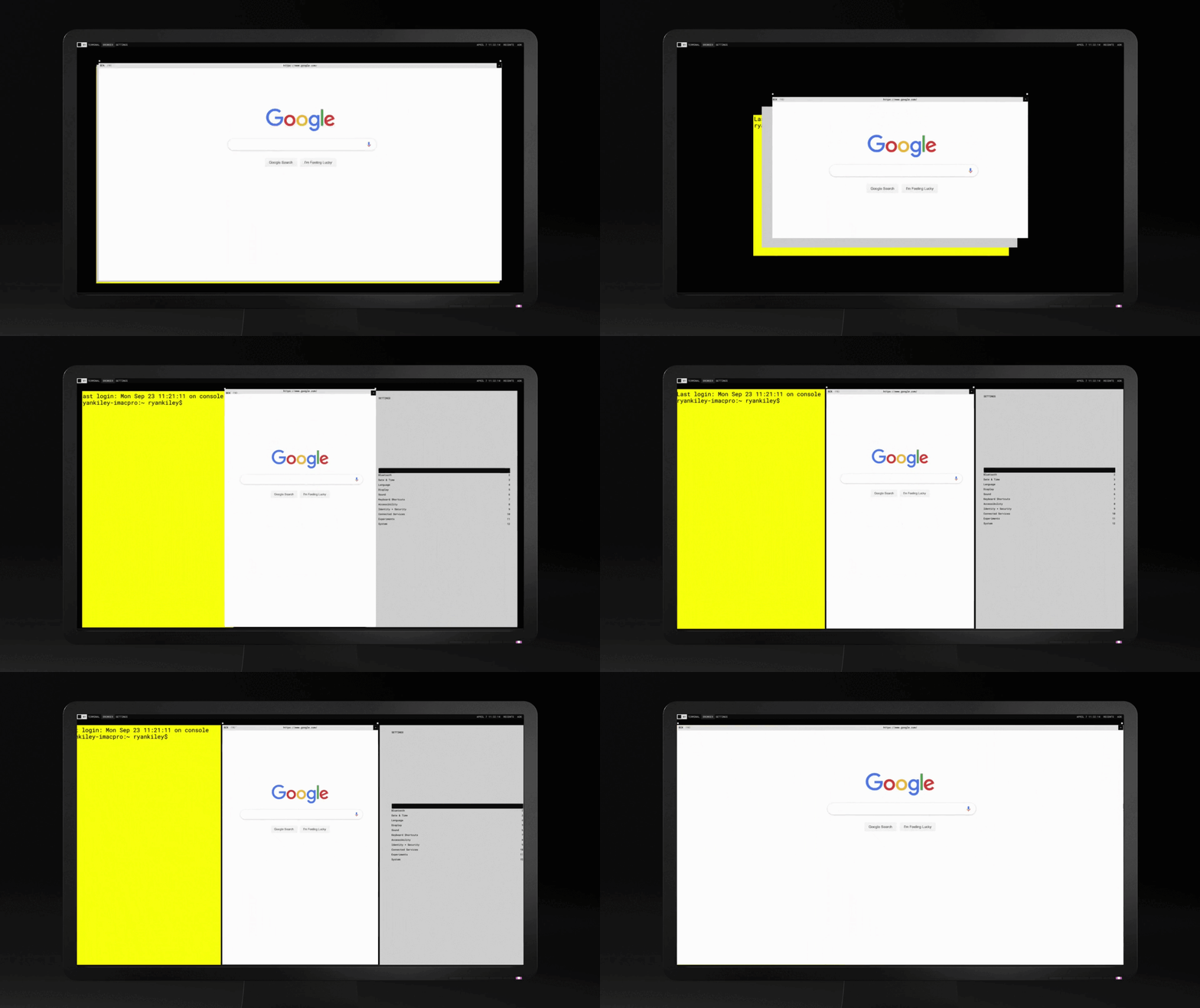
Presentation Modes
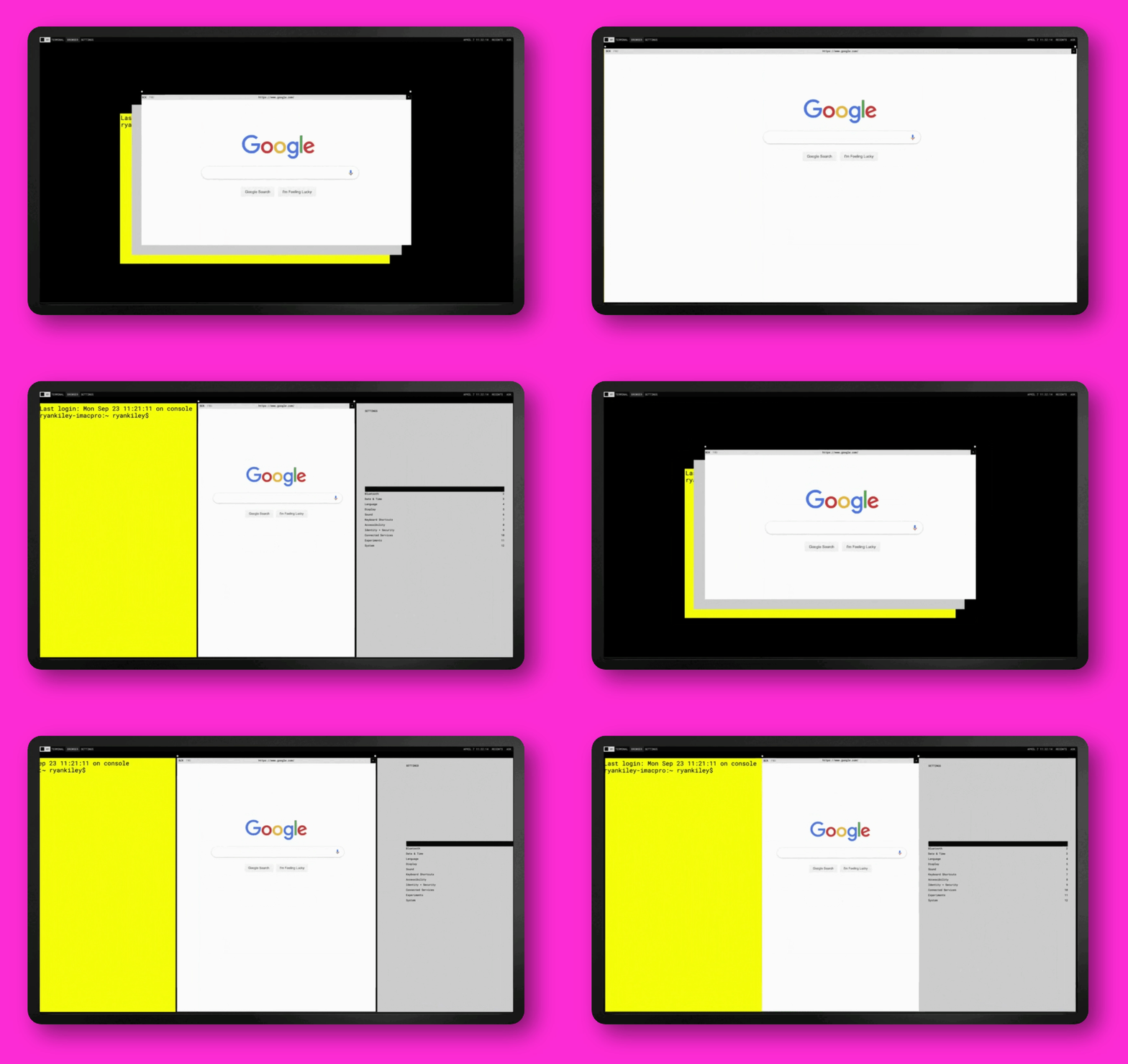
Users can switch between tile, tab, floating, and fullscreen presentation modes for their Stories, via the Story bar, menu system, or keyboard shortcuts, giving creators full control over how they work without interrupting their flow.
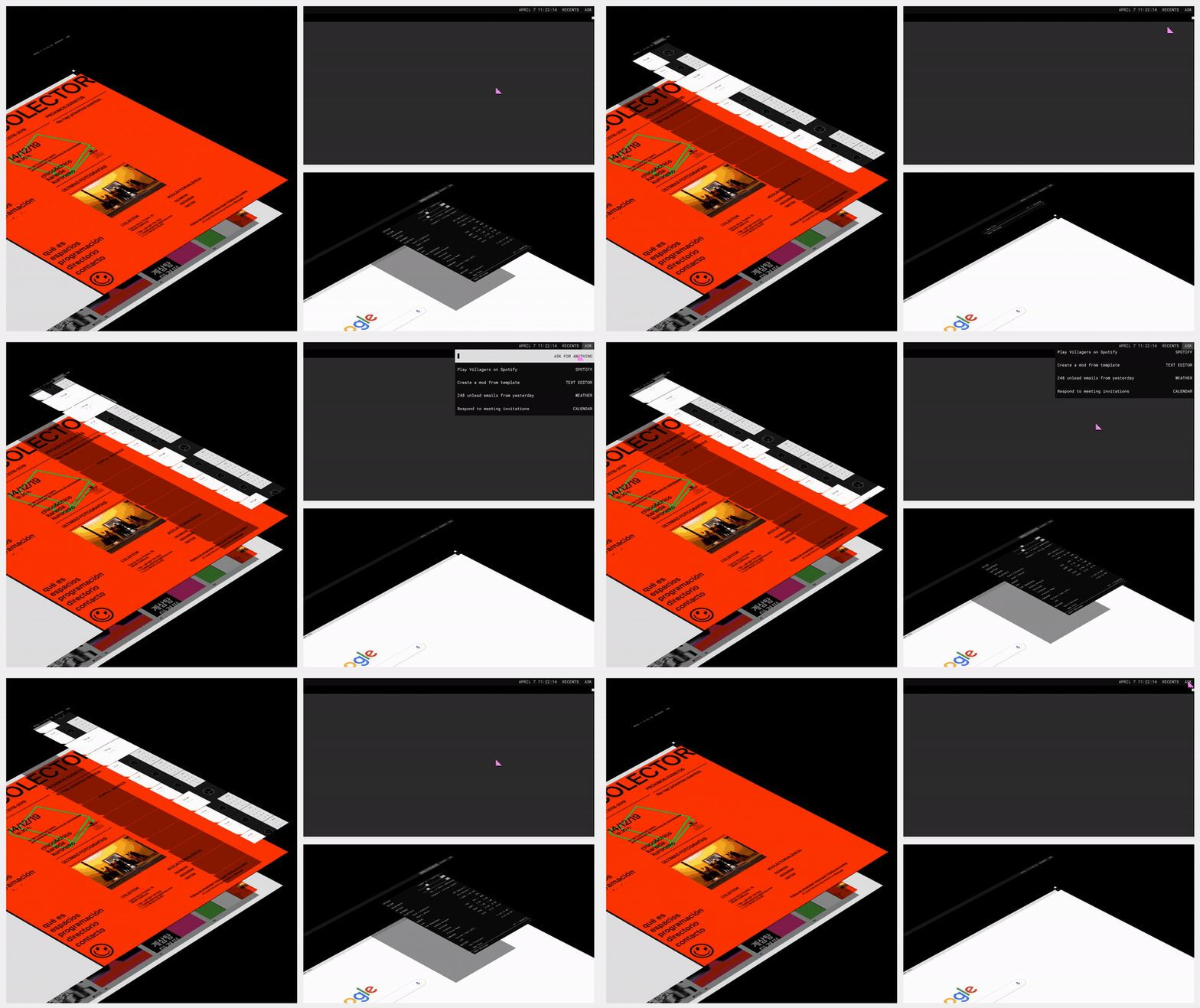
Recents
To serve creators who need to move fast, we designed multiple quick-access paths to recent Storie, flexible enough to fit different working styles and interaction preferences.
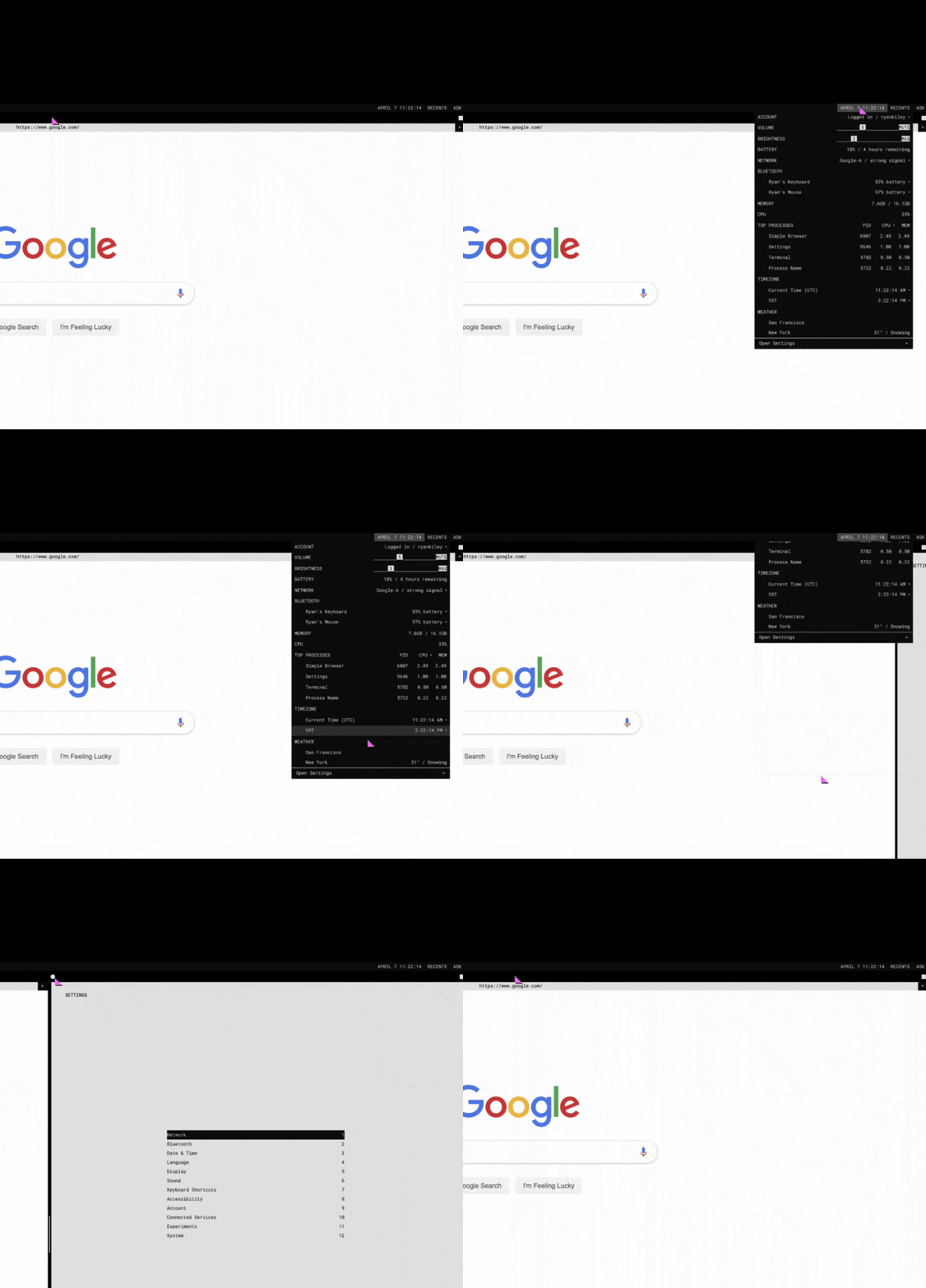
Menu System
Through extensive exploration and iteration, we designed the full menu system, gestures, and keyboard shortcuts, all grounded in our core principles, with efficiency as the north star.
Takeaway
This project established the foundational interaction patterns and System UI components for the Fuchsia OS. What makes it especially resonant today: Fuchsia was designed around a smart agent model years before that paradigm became central to how the industry thinks about computing. The work here was early proof that an OS built around intelligent, context-aware assistance was not only possible, it was the right direction.